Tutorial
This tutorial demonstrates how to use the Catalog to monitor compliance of software components, with a focus on mandatory risk management related to Java runtimes.
Use Case
ACME Inc. requires all Java services running across multiple cloud platforms to use a company-approved and actively maintained Java runtime. This process ensures external dependencies are maintained and mitigates supply-chain attacks.
Step 1: Define the Item Type Definition (ITD)
Under the Configuration > Create Item Types section, add a new Item Type Definition (ITD) to incorporate the required Java runtime details into the Catalog.
The validation schema should define two fields for the Java runtime version (e.g., 11, 19, 25) and vendor (e.g., Oracle JDK, Oracle OpenJDK, Amazon Corretto).
{
  "properties": {
    "spec": {
      "properties": {
        "runtime": {
          "type": "string"
        },
        "runtimeVendor": {
          "type": "string"
        },
        "runtimeVersion": {
          "type": "number"
        }
      },
      "type": "object"
    }
  },
  "type": "object"
}
You can also use annotations or labels to store relevant metadata instead of a custom ITD and connector and customize your CI/CD pipelines to enrich your Catalog items using the Catalog API.
Step 2: Define ACME Services (Items)
Under the Items > All Items section, add three new items based on the ITD created previously with the following specifications:
- ACME Admin Web Portal: Oracle JDK (Approved 🟢), Java 25 (Maintained 🟢).
{
  "runtime": "java",
  "runtimeVendor": "oracle-jdk",
  "runtimeVersion": 25
}
- ACME Admin BFF: Oracle OpenJDK (Unapproved 🔴), Java 25 (Maintained 🟢).
{
  "runtime": "java",
  "runtimeVendor": "oracle-openjdk",
  "runtimeVersion": 21
}
- ACME Backend: Oracle JDK (Approved 🟢), Java 11 (Unmaintained 🔴).
{
  "runtime": "java",
  "runtimeVendor": "oracle-jdk",
  "runtimeVersion": 11
}
Step 3: Create View
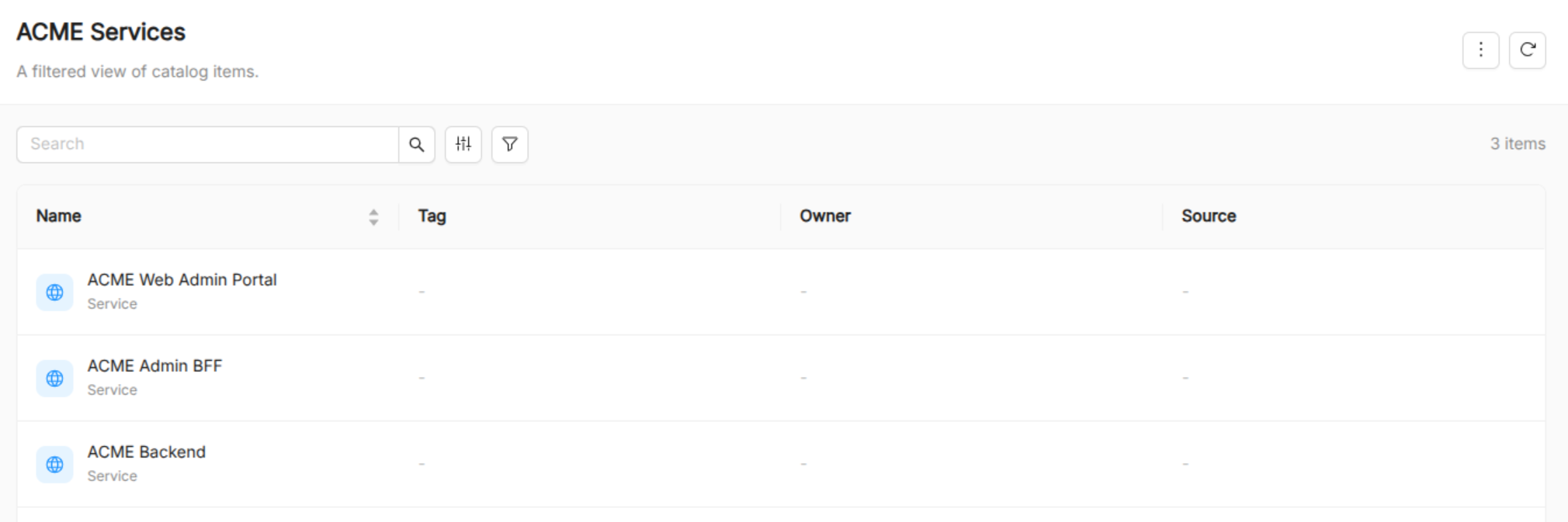
Under the Items > Create new view, create a new view called ACME Services with the following filters:
- API Version:
acme.eu/v1 - Type:
Service
This view targets the Service items based on the previously created ITD.
Step 4: Create Evaluation Criteria
Under the Governance > Evaluation Criteria, add the conditions the services must satisfy to be considered compliant with Java runtime version and vendor.
Add two evaluation criteria:
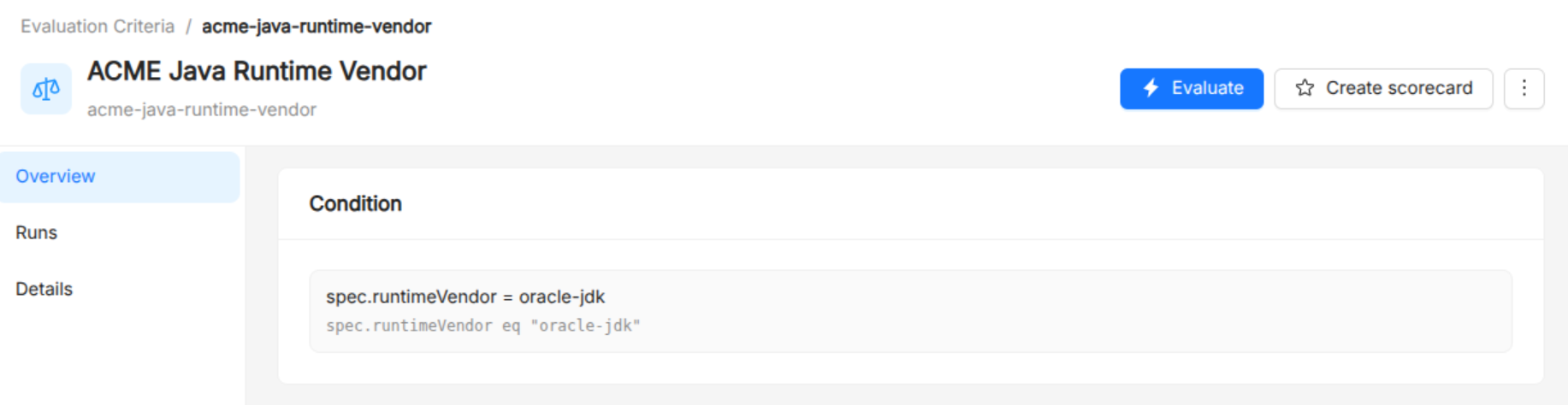
- ACME Java Runtime Vendor: Services must use the approved Oracle JDK Java distribution.
spec.runtimeVendor = oracle-jdk
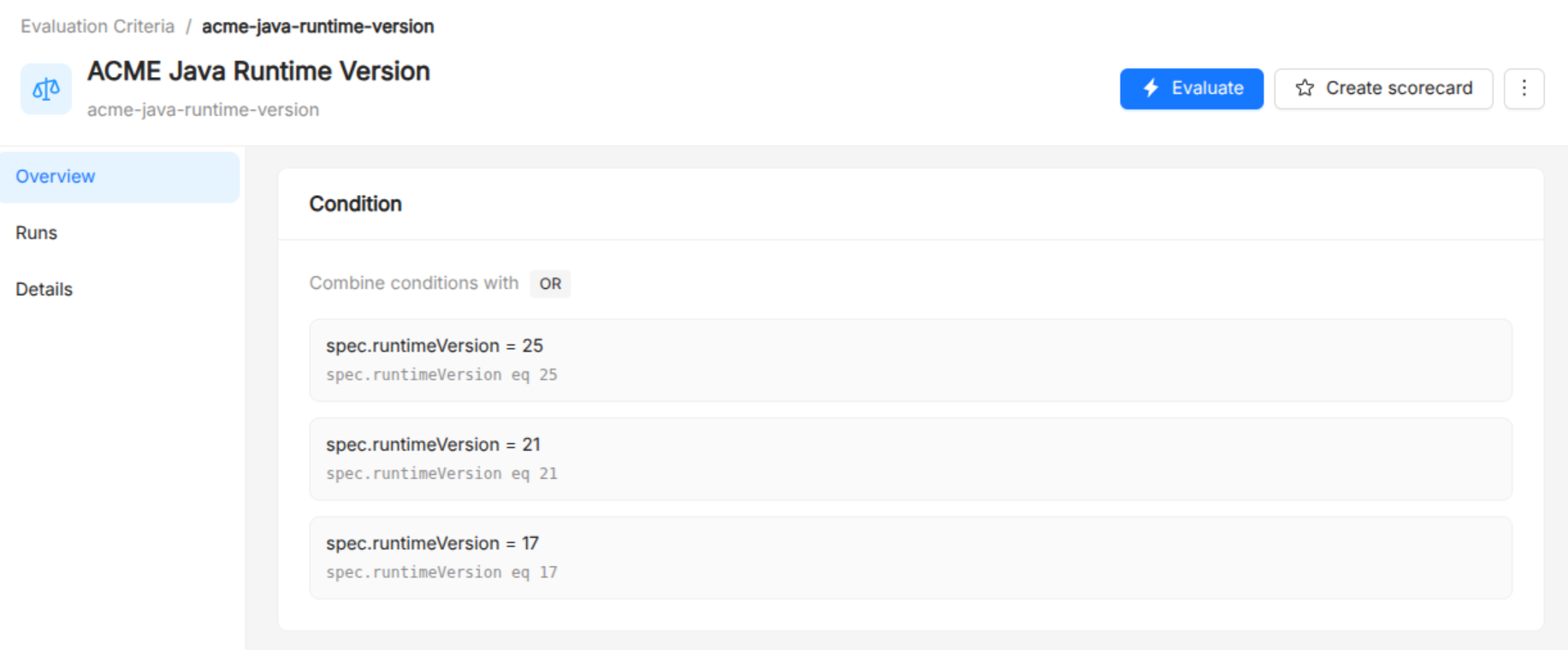
- ACME Java Runtime Version: Services must use an actively maintained Java LTS version (17, 21, or 25 at time of writing).
spec.runtimeVersion = 17 OR spec.runtimeVersion = 21 OR spec.runtimeVersion = 25
Step 4: Combine Criteria in a Scorecard
Under the Governance > Scorecards, create a new scorecard with the following specifications:
- Title: ACME Scorecard.
- Items: select the
ACME Servicesview created previously to evaluate the scorecard only against the items we created. - Evaluation Criteria: add existing evaluation criteria
ACME Java Runtime VendorandACME Java Runtime Version.
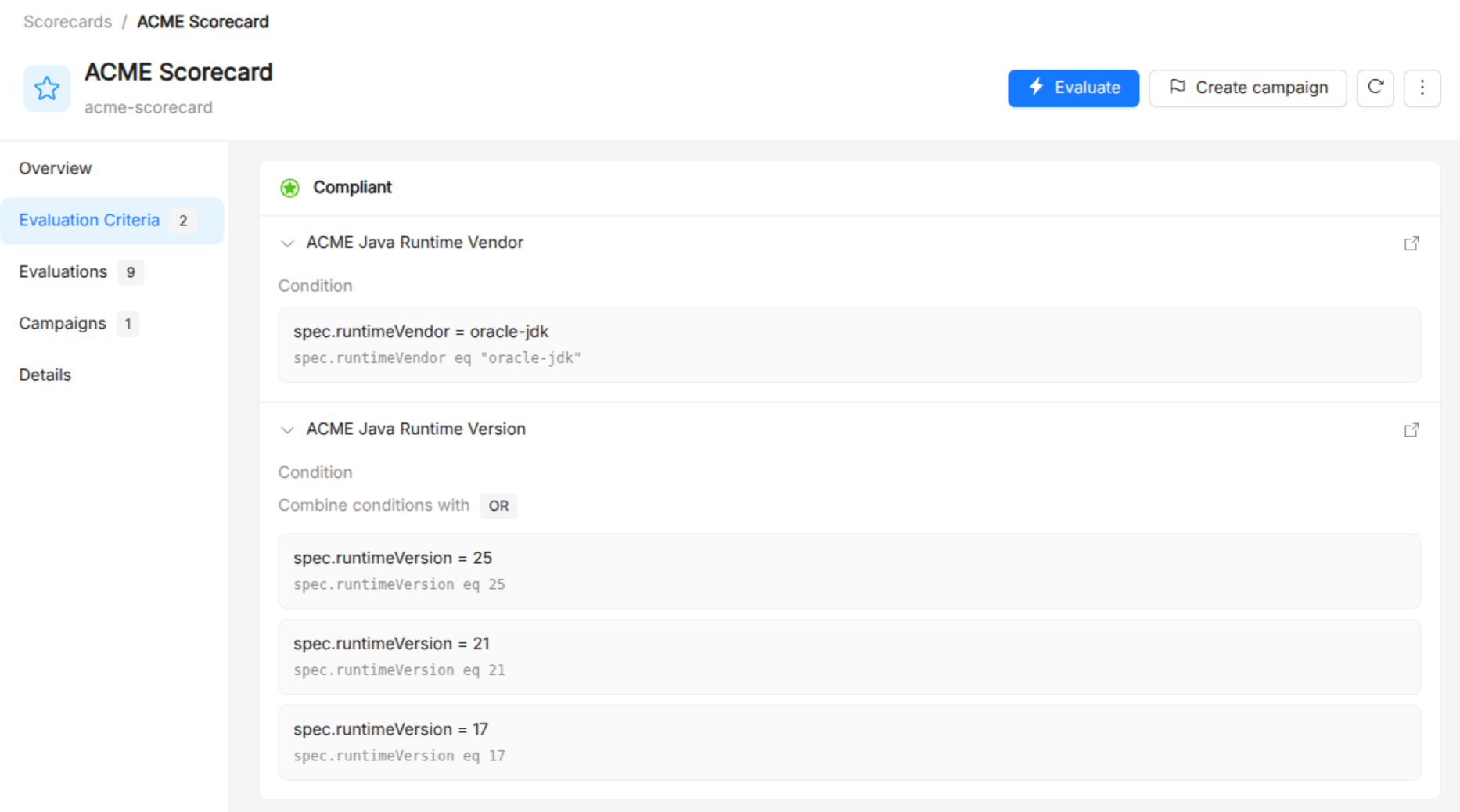
Scorecards can organize criteria in incremental levels (e.g., bronze, silver, gold).
Step 5: Monitor Compliance with a Campaign
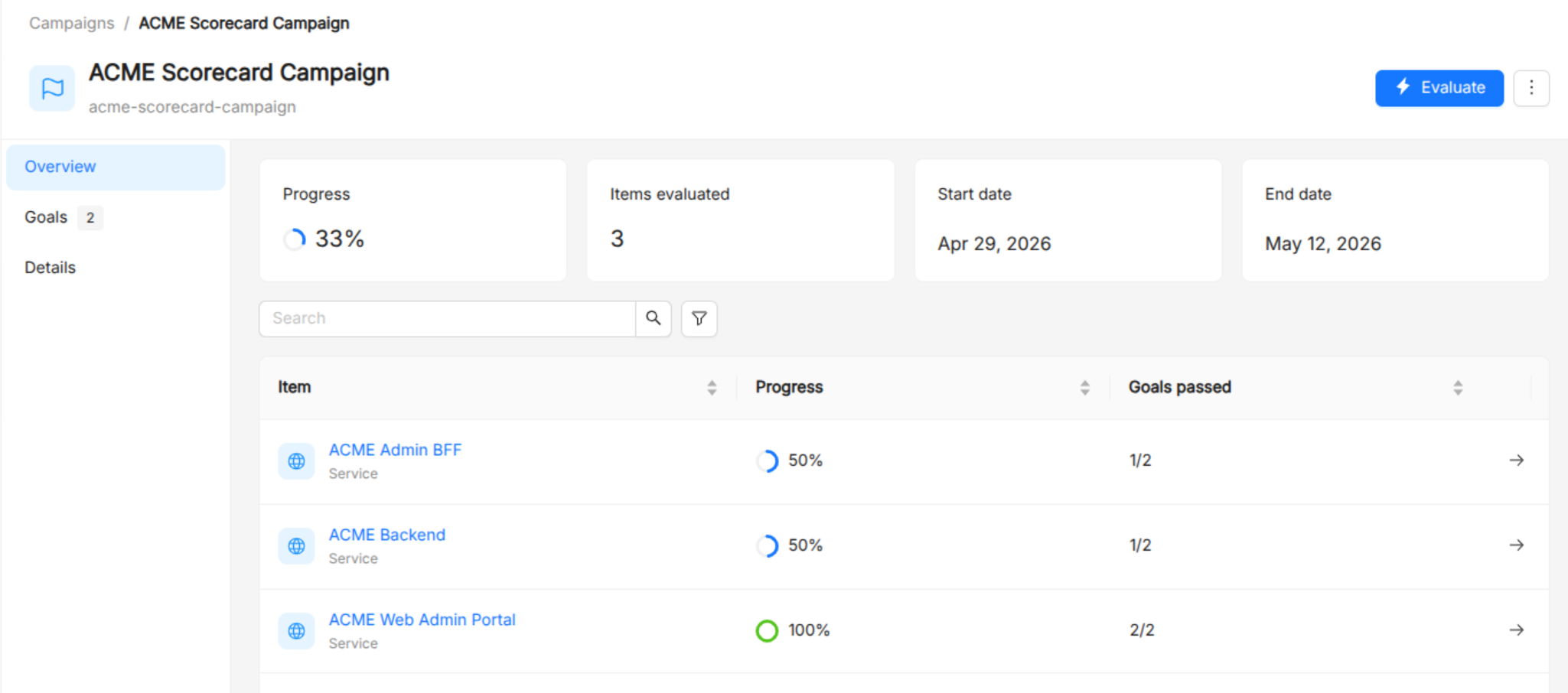
Under the Governance > Campaigns, create a new campaign based on the scorecard created previously to assess the compliance of the services over time.
The campaign will show both global and per-item progress toward the compliance goal.