AI Foundry is in beta. We are actively shaping the product, so things may change as we iterate. Your feedback is welcome.
Spec Templates
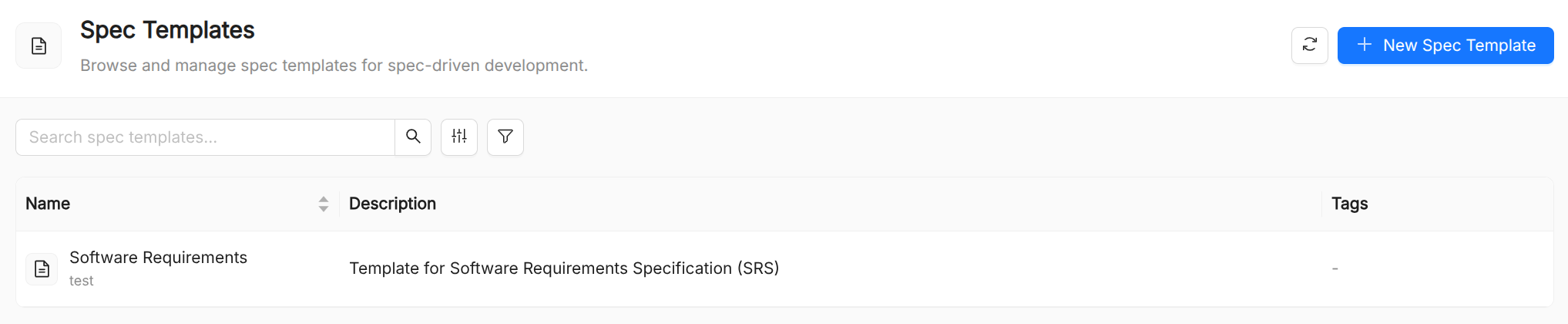
A Spec Template is a catalog resource that stores a structured or free-form specification document.
The command-driven authoring mode supports Spec-Driven Development: a workflow in which AI agents move through structured phases — from requirement definition and clarification through planning, task breakdown, and implementation. A Spec Template bound to a command supplies the template content injected when that phase is invoked by an agent.
When to use a Spec Template
Spec Templates are appropriate when you need an agent to have access to:
- API contracts (OpenAPI / AsyncAPI documents, GraphQL schemas) so the agent can construct valid requests.
- Domain glossaries that define the precise meaning of business terms the agent must reason about.
- Policy documents that the agent must follow (acceptable-use policies, compliance rules, coding standards).
- Data schemas that describe the structure of inputs or outputs the agent processes.
- Architecture references used by agents that assist with software design or code generation.
Spec Template commands
Spec-Driven Development organises work into a sequence of structured phases, each invoked by a slash command. When a Spec is used as a template, its command field binds it to one of these phases so the template content is injected when that command is triggered.
The following commands are supported:
| Command | Purpose |
|---|---|
/spec.constitution | Establish project principles and coding guidelines |
/spec.specify | Write a detailed feature specification |
/spec.clarify | Generate targeted clarifying questions before writing a spec |
/spec.plan | Produce a technical architecture plan from a spec |
/spec.tasks | Break a plan into an ordered, atomic task list |
/spec.analyze | Analyze existing code for patterns and anti-patterns |
/spec.checklist | Run a pre-build readiness check on a spec or plan |
/spec.implement | Implement a specific task from the task list |
/spec.memory | Update the persistent project memory with finalized decisions |
Spec Template reference
| Field | Required | Description |
|---|---|---|
Title | Yes | Display name shown in the UI. |
Name | Yes | Unique identifier. Referenced in Playbook.spec.specs and Playbook.spec.flow.nodes[].specs. |
Description | Yes | Short description of what the document covers. |
Command | Yes | The command identifier that triggers this spec template. |
Template | Yes | Markdown template produced or followed by the command. |
Specs vs. Prompts
| Aspect | Spec | Prompt |
|---|---|---|
| Typical size | Medium to large (full documents) | Short to medium (focused instructions) |
| Content type | Reference material, schemas, policies | Instructions, templates, few-shot examples |
| Authorship | Domain experts, architects, legal | Prompt engineers, product managers |
| Rendering | Markdown in the detail view | Markdown with preview/source toggle |
In practice the two complement each other: a playbook node might receive a Prompt that says "classify the request according to the taxonomy defined in spec X", with the Spec holding the full taxonomy document.