AI Foundry is in beta. We are actively shaping the product, so things may change as we iterate. Your feedback is welcome.
Agent
An Agent is the central execution unit in AI Foundry. It combines a large language model (LLM) with a set of instructions, tools, and skills to produce a reusable, autonomous AI actor that can carry out a specific task, such as answering questions, calling external APIs, running code, or coordinating with other agents inside a Playbook.
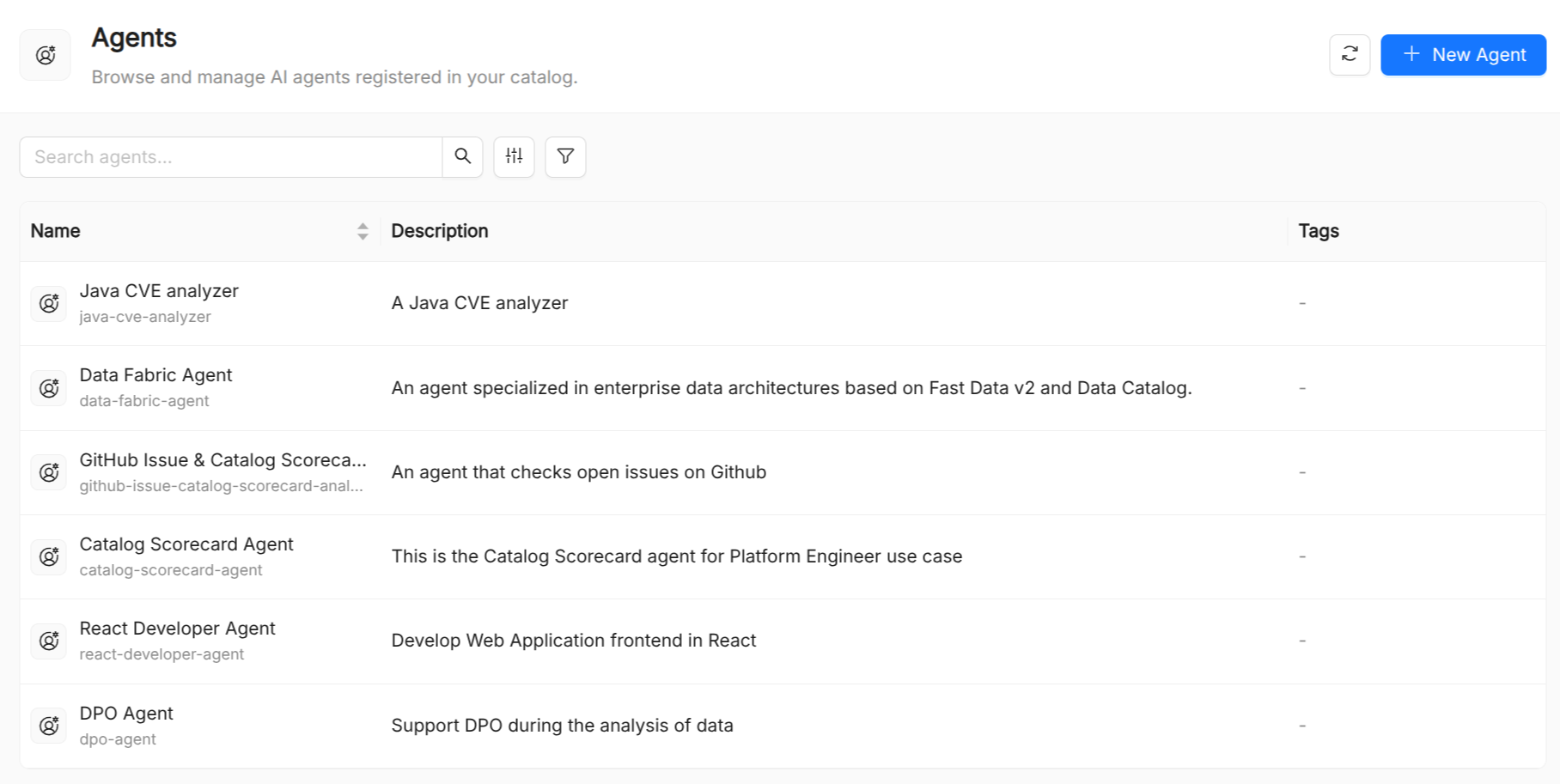
Agent reference
| Field | Required | Description |
|---|---|---|
Title | Yes | Display name shown in the UI. |
Name | Yes | Unique identifier within the organization. Lowercase alphanumeric and hyphens, max 63 characters. Immutable after creation. |
Description | Yes | Short human-readable description of what the agent does. |
Runtime Name | Yes | A unique identifier used by the runtime to route requests to this agent. Typically matches metadata.name. |
Model | Yes | The name of a Model resource that provides the LLM configuration. |
Instruction | Yes | The system prompt sent to the LLM on every invocation. Supports Markdown. |
Tools | No | List of Tool resource names the agent is allowed to call. |
Skills | No | List of Skill resource names the agent can invoke. |
Model Arguments | No | A free-form JSON object passed through to the LLM provider (e.g. temperature, max_tokens). |
Designing effective agents
Keep instructions focused. Agents with a narrow, well-defined purpose outperform general-purpose agents. Prefer composing specialized agents in a Playbook over loading a single agent with too many responsibilities.
Constrain the tool surface. Attach only the tools the agent actually needs. A smaller tool surface reduces the chance of the LLM making unintended calls and improves latency.
Version your instructions. The instruction field is the most impactful part of an agent. Treat it like code: review changes, test them in the AI Playground, and maintain a changelog.
Use model_arguments sparingly. Low temperature values (0–0.3) are suitable for deterministic tasks like data extraction or classification. Higher values (0.7–1.0) suit creative or exploratory use cases.
Testing an agent
The AI Playground provides a live chat interface where you can send messages to any registered agent and observe:
- The LLM's reasoning steps ("thinking") when available
- Tool call requests and their results
- The final response
You can toggle individual tools and skills on or off during a session to debug behavior without modifying the agent manifest.